
Presentations, media, and the desktop app
Present straight from a board, add PDFs, audio, and video, and work in the native macOS app.
New · 6Improved · 2Fixed · 3
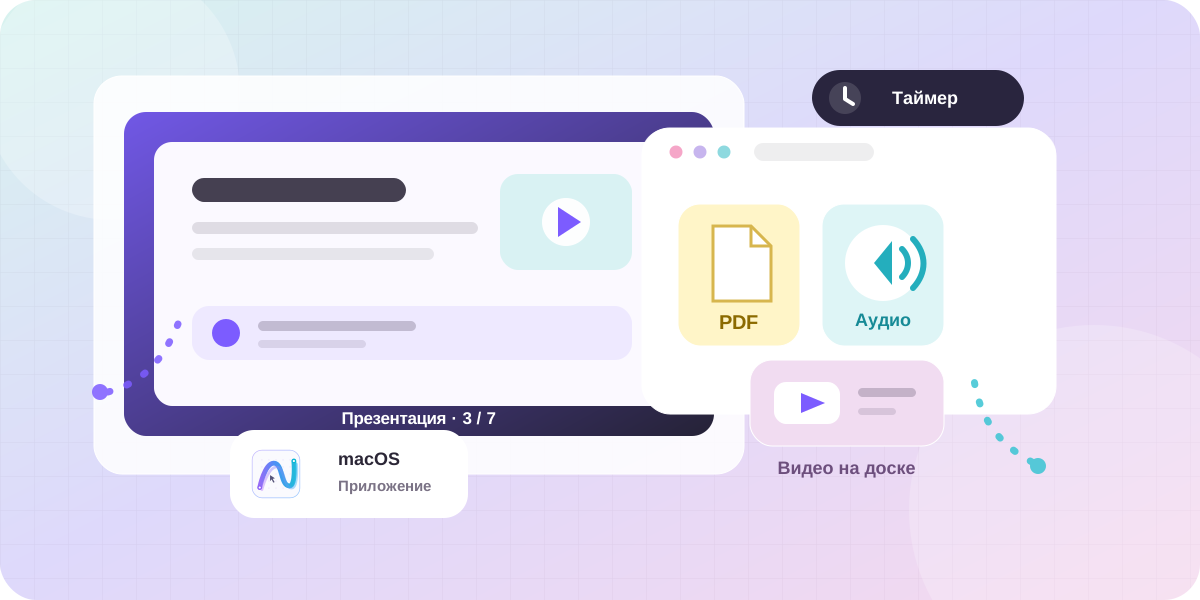
The board is becoming a complete workspace
This update moves Nezumo forward in two areas: boards can now hold more kinds of material, and teams can present their work without rebuilding it in a separate slide editor.
Place PDFs, video, audio, diagrams, and notes side by side, arrange frames into a story, and present it directly from the same place where your team developed the idea.
New
- Presentation mode: use frames as slides and move through them during a presentation.
- Frame notes: add speaker prompts and view them while presenting.
- Board timer: keep discussions, exercises, retrospectives, and brainstorms on schedule.
- PDF, audio, and video: keep source material beside your ideas and working notes.
- macOS app: run Nezumo as a dedicated application without extra browser tabs.
- Board loading indicator: see clear progress when opening a board for the first time.
Improved
- Better performance in Firefox makes boards feel more responsive.
- Collaboration now uses noticeably less CPU, especially with several people on the same board.
Fixed
- PNG export now uses a higher resolution and stays detailed when enlarged.
- Privacy mode is displayed correctly on sticky notes.
- Reactions on sticky notes are larger and easier to read.
Thank you for the feedback. It is helping us focus on presentations, learning, team discussions, and keeping every kind of material together on one board.